
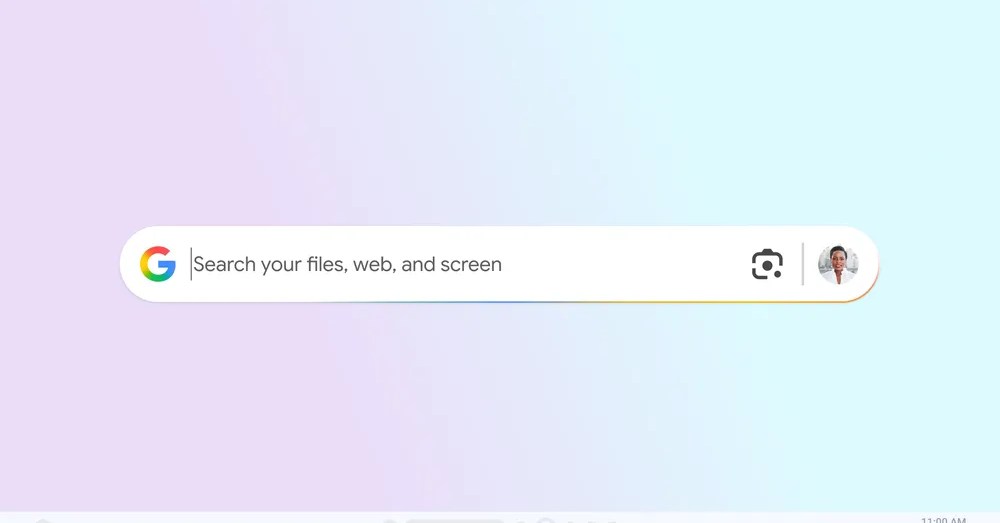
Google is currently testing a new search application for Windows. According to a blog post published on Tuesday, the app is available for personal accounts through Google’s Search Labs and allows users to search for information across local files, Google Drive, and the web using an Alt + Space keyboard shortcut.
The installation process for the app resembles that of Chrome and requires users to sign in. A significant feature included in the app is Google Lens, enabling users to select and search for images displayed on their screens, as well as translate text. For example, users can highlight a math problem from homework and request assistance from Google’s AI Mode.
Similar to Google’s web search engine, the application allows users to switch between various result categories, including AI Mode, Images, Shopping, and Videos, with options for light and dark mode. It shares similarities with macOS’s Spotlight feature, which provides searching capabilities for files, apps, and the web. Windows has historically included a search feature for files and the web, recently enhanced with the introduction of Copilot Plus PCs.
Once downloaded, the app places a customizable search bar directly on the desktop. Users can click and drag this bar to any position and resize it as needed. The search bar can be minimized by using the Alt + Space shortcut. Additionally, users can enable or disable AI Mode and modify the shortcut for app access via their profile settings.
The app is currently available for testing and can be accessed by enabling the experiment in Google Labs. At this time, it is limited to English-speaking users in the U.S. and requires a PC running Windows 10 or higher.
Source: https://www.theverge.com/news/778940/google-app-windows-launch