
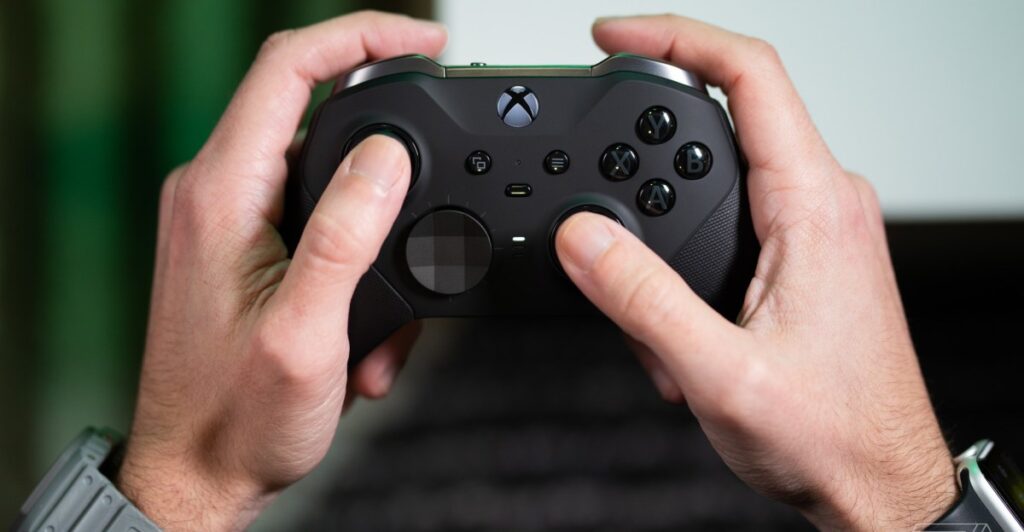
Microsoft is currently testing a new feature for Xbox controllers on Windows 11, designed to improve navigation between applications and games. This update will allow users to access the Task View by long-pressing the Xbox button on their controllers.
According to the Windows Insider team, “A new change we’re introducing is when you long press the Xbox button, it will open Task View.” They also noted that holding the Xbox button will still turn off the controller as it currently does.
This modification aligns with Microsoft’s broader strategy for handheld gaming devices running Windows 11, such as the upcoming Xbox Ally devices. These devices will feature an Xbox button that similarly activates a task switcher through a long press. Additionally, Microsoft has enhanced the task switcher for handhelds with new animations, although it remains uncertain whether this improved interface will extend to all Windows 11 gaming PCs.
Currently, users can use a single press of the Xbox button on handhelds or controllers to launch the Game Bar, providing access to widgets, games, and performance metrics. Beta testing of this new feature is being conducted among Windows Insiders in the Dev Channel, and it is anticipated to be rolled out to all Windows 11 users in the coming months.
Source: https://www.theverge.com/news/777898/microsoft-xbox-controller-changes-windows-11