
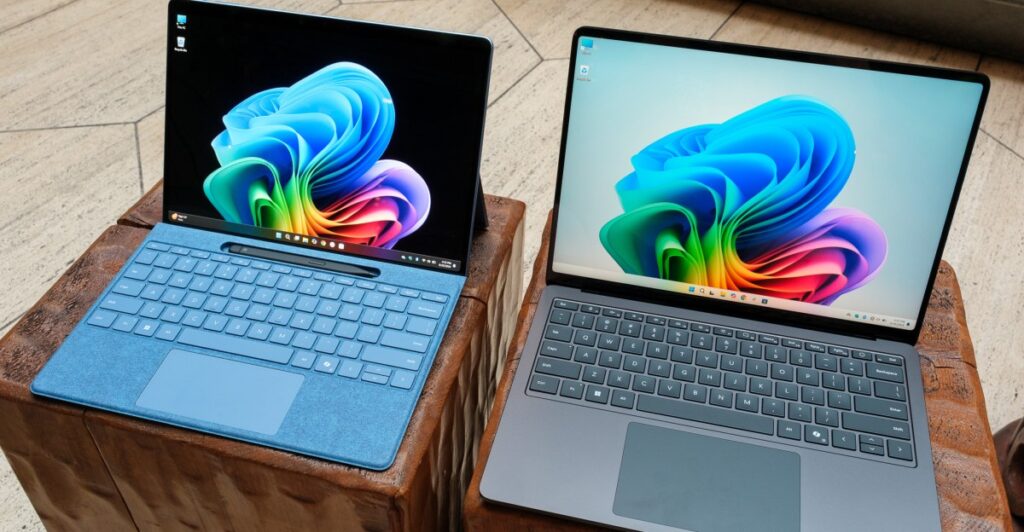
Qualcomm previously indicated that gaming experiences on its Snapdragon X Elite laptops would become seamless; however, initial tests suggested otherwise. A year later, advancements have been made to the Windows on Arm platform, attributed to enhancements in emulators, driver updates, the introduction of the Snapdragon Control Panel, and improved anti-cheat compatibility.
This week, Qualcomm is launching the Snapdragon Control Panel, which identifies installed games on Snapdragon X Elite laptops and optimizes their settings. This control panel functions similarly to software provided by AMD and Nvidia, offering options for frame rate limits, anti-aliasing, texture filtering, and other performance settings. Additionally, it enables users to obtain the latest Adreno GPU drivers, which are tailored for current games, aiming to enhance stability and performance. Qualcomm claims to have addressed issues and made enhancements for over 100 games since last year’s launch.
In conjunction with the Snapdragon Control Panel, both Microsoft and Qualcomm have implemented significant updates to facilitate PC gaming on Windows on Arm. Microsoft’s Prism emulator now accommodates x86 Advanced Vector Extensions (AVX), necessary for numerous games and creative applications. Moreover, the latest Snapdragon X2 Elite chips offer AVX2 emulation, and existing Snapdragon X series devices are expected to receive this update soon.
Microsoft has also revised its Xbox app to enable the download of ARM64 compatible games, enhancing its functionality beyond just serving as a portal to Xbox Cloud Gaming. Initially, the app lacked options for libraries or stores.
Qualcomm is collaborating with Epic Games to facilitate the operation of Fortnite on Windows on Arm, incorporating full kernel-level anti-cheat support. This requires the updated Adreno GPU driver. Furthermore, Qualcomm is engaging with various anti-cheat providers, like Tencent’s Anti-Cheat Expert and BattleEye, to support additional multiplayer games.
Despite these improvements, challenges regarding gaming performance and compatibility on Windows on Arm persist. Users can determine if their preferred games run natively or via emulation by visiting the relevant resource.
Source: https://www.theverge.com/news/824783/windows-on-arm-snapdragon-control-panel-gaming-driver-compatibility-improvements